Your Website Looks Good. So.. Why Isn’t It Working?
Why Good-Looking Websites Still Underperform
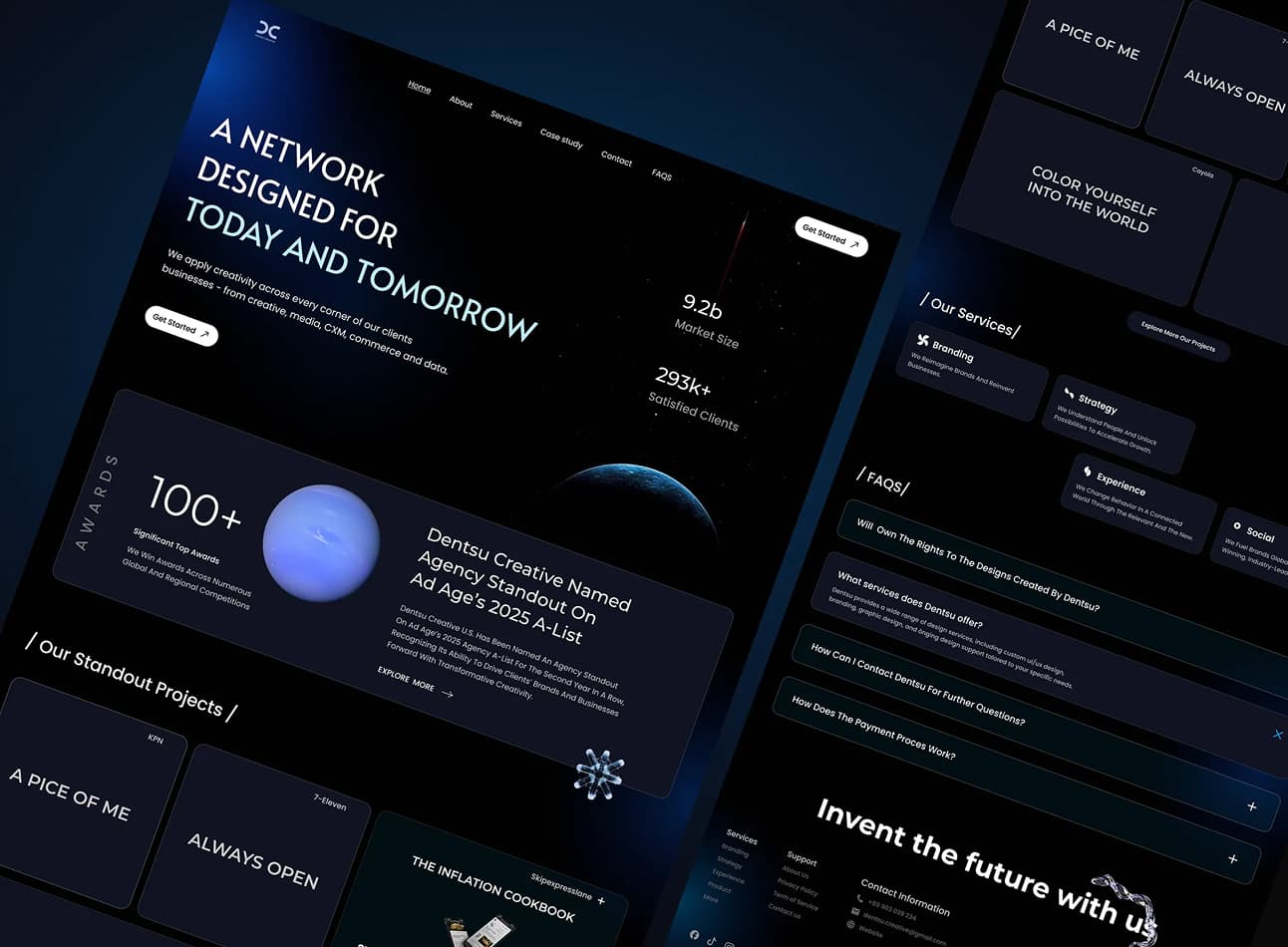
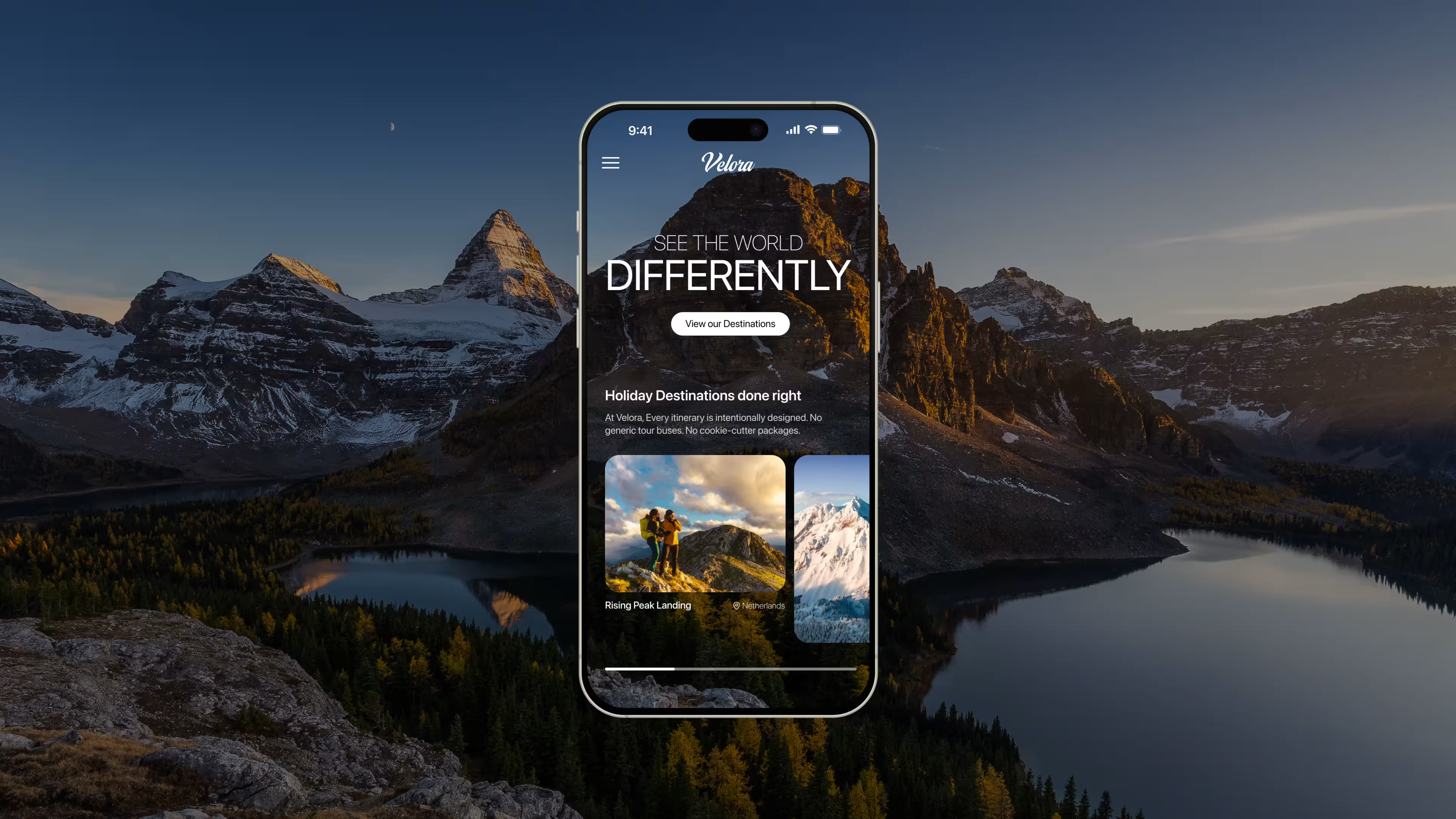
Your website might look good.
But that doesn't mean it is working.
A modern and tidy homepage can still load slowly, frustrate mobile users, have weak messaging, bury the next step, or fail to show up properly in search. None of that is always obvious when you are looking at the site from inside the business.
That is the trap.
Most business owners judge their website like a finished design. Customers judge it like a decision path. Google judges it through structure, speed, usefulness and experience. Those are different tests.
So when your website looks fine but still doesn't bring in enough leads, the answer isn't always “redesign it.”
Sometimes the issue is performance. Sometimes it is conversion friction. Sometimes it is the build. Sometimes it is tracking. But often, it is a mix of small problems that have never been properly looked at.
Before you spend more money on ads, SEO, content or a full rebuild, it is worth asking a simpler question:
Is the website actually doing its job?
Looks are only the visible layer
Good design matters and nobody is arguing for ugly websites. We'll leave those in 2016!
A strong visual impression builds trust quickly, especially when someone (like a customer) is comparing you against other businesses. But visual design is only the part people can see. It doesn't automatically mean the site is fast, easy to use, easy to understand, or built well underneath.
That is where a lot of websites get exposed.
They look clean, but the mobile version is terrible to use. They look premium, but the service pages don't explain the offer clearly (or at all). And they look modern, but the site loads slowly once tracking scripts, images and plugins are involved.
People do not experience your website as a screenshot. They experience it while trying to make a decision.
If the site slows them down, confuses them, or gives them no clear next step, the design hasn't done its job properly. It might still look good, but it 's just not working hard enough.
The real problems usually sit underneath
When a website underperforms, it is never really one big dramatic failure.
It is usually a build up of smaller issues. A slow-loading hero image, a menu that makes sense to your team but not to a new visitor, a contact form with too many fields, service copy that explains what you do, but not why someone should choose you, or a mobile layout that technically works, but feels cramped and annoying.
None of these issues need to destroy the website on their own.
But together, they start adding up.
Google’s Core Web Vitals are a useful example. They look at things like loading performance, responsiveness and visual stability.
In plain English: how fast the main content appears, how quickly the page responds when someone interacts with it, and whether the layout jumps around while the page loads. Google recommends targets such as loading the main content within 2.5 seconds, interaction responsiveness under 200 milliseconds, and a low layout shift score for a good user experience.
That is useful, but it is still only part of the picture.
A site can pass some technical checks and still fail commercially. A site can also look beautiful and still be weak technically. The real question isn't if one score is perfect. The question is if the website gives people a smooth, clear path from first visit to confident action.
If you don't know where the friction is, guessing gets expensive.
That is why a health check is a better first move than another round of opinions. Our Free Website Health Checker gives you a baseline across speed, performance, technical SEO and usability so you can see where the site is actually struggling before deciding what to fix.

Why business owners miss the warning signs
You are usually too close to your own website to judge it as a customer would.
You already know what the business does, you know which services matter most, you know what the form is meant to do, what the wording is trying to say, and why the site was built that way.
A new visitor doesn't have that context.
They land cold. They skim. They compare. They make quick assumptions. If they can't understand the value quickly, find the right information easily, or feel confident enough to act, they don't sit there trying to figure it out.
That is why the owner’s view can be misleading.
I had a slightly heated discussion with a business owner about this. The services listed on his website weren't clear at all and from his analytics, the pages were a real bottleneck. But to him, "it doesn't need clear, the customer will understand".
You might look at the homepage and think, “This looks professional.” Your customer might land on a service page and think, “I’m still not sure if these people are right for us.”
That is the difference.
Quick signs your website is underperforming
You don't need to be a developer to spot warning signs, but you need to stop judging the site only by how it looks.
Here are a few signs your website might be underperforming:
- You get traffic, but not enough enquiries: People are arriving, but they're not taking the next step. That usually points to a trust, clarity, offer, UX or conversion problem.
- Your site looks better than it behaves: The design feels modern and clean, but pages load slowly, forms feel clunky, buttons are hard to use on mobile, or important information is hard to find.
- You're paying for ads, but the landing pages don't convert: The campaign might not be the only issue. If the page is weak, unclear or slow, more traffic just gives the problem more chances to show up.
- Your rankings are weaker than expected: A good-looking website doesn;t automatically mean Google can crawl, understand or rank it properly. Technical structure, content quality and page experience still matter.
- You can't clearly explain what's working: If tracking is weak, you may know that leads are coming in, but not which pages, campaigns or channels are producing them.
- The site has slowly got worse after launch: Websites don't break down all at once. More plugins, more scripts, heavier images, old content, rushed edits and untested changes can slowly drag the site down.
None of these signs mean you automatically need a full rebuild. That is the point.
The right fix depends on where the failure actually is. A slow site may need website development work. A confusing journey may need conversion rate optimisation. Weak messaging may need content and positioning. Poor tracking may need a cleaner analytics setup.
Guessing is how businesses waste money. Checking first is how you avoid fixing the wrong thing.

Check before you rebuild/fix anything
A lot of website conversations jump too quickly to the wrong question.
“Do we need a new website?”
Maybe. Maybe not.
A better first question is: what is actually holding the current website back?
If the issue is slow loading, technical/code bloat, messy code or poor hosting, the answer might be performance and development work. If the site gets traffic but people don't enquire, the issue may be conversion friction. If the pages are thin, vague or poorly structured, the problem may be content and SEO. If nobody can tell where leads are coming from, the first fix may be tracking.
Those are different problems. They shouldn't all receive the same answer.
That is why a proper baseline matters. Before you redesign, rebuild, run more ads, or pay for another marketing campaign, check the site itself. Look at speed. Look at mobile. Look at usability. Look at technical SEO. Look at whether key pages actually guide people toward action.
Our Website Health Checker is built for that first step. It gives you a quick read on the areas that are often invisible from the homepage: performance, speed, accessibility, technical quality, SEO and usability.
It won't tell you the full commercial story by itself. But it can show you where the obvious leaks are, and that's a much better starting point than guessing.
What to fix first
The best fix depends on the type of failure.
If the site is slow, unstable or difficult to update, start with the foundations. That's a website development problem. The site needs to be built in a way that supports real use, not just launch day.
If people are visiting but not enquiring, look at conversion. That means reviewing the journey, the offer, the proof, the call-to-action, the forms and the moments where people hesitate. This is where conversion rate optimisation becomes useful, because the goal isn't to make random changes. It's to find the friction and reduce it.
If the site is hard to find in Google, look at structure, content quality, technical SEO and whether your pages actually deserve to rank for the searches you care about.
If you can't tell whats working, fix the tracking before making big decisions. Otherwise, every improvement becomes harder to prove.
The mistake is treating every website problem like a design problem.
Sometimes better design is part of the answer. But if the real issue is speed, structure, content, tracking or conversion friction, a visual refresh alone will not fix it.
So, is your website actually working?
What we're trying to get at here is a website can look good but be built on weak foundations.
That doesn't mean it's a failure. It means it needs to be judged properly.
If it isn't bringing in enough leads, not ranking where it should, not converting paid traffic, or not giving you clear evidence of what is working, don't guess from the homepage.
Check it.
Start with our Free Website Health Checker. If the results show performance, technical or usability issues, the next step is working out whether you need focused fixes, CRO, stronger development foundations, or a more serious rebuild.
And if you already know the website is holding the business back, get in touch. We'll help you work out what is worth fixing, what is not, and where the biggest opportunity probably sits.
Frequently asked questions: